
ReiBoot
ReiBoot is a Tenorshare utility for Windows that puts an iPhone or iPad into or out of recovery mode and repairs common iOS system problems.
69.7 MB
Advanced Driver Updater is a Windows program from Systweak Software that scans for outdated drivers and helps update them from one place.
Average 0.0 · ratings: 0
Thank you! Your rating is saved; you can change it. Could not save the rating. Please try again later. Too many ratings from your network today. Please try again tomorrow. The average appears after 5 ratings.
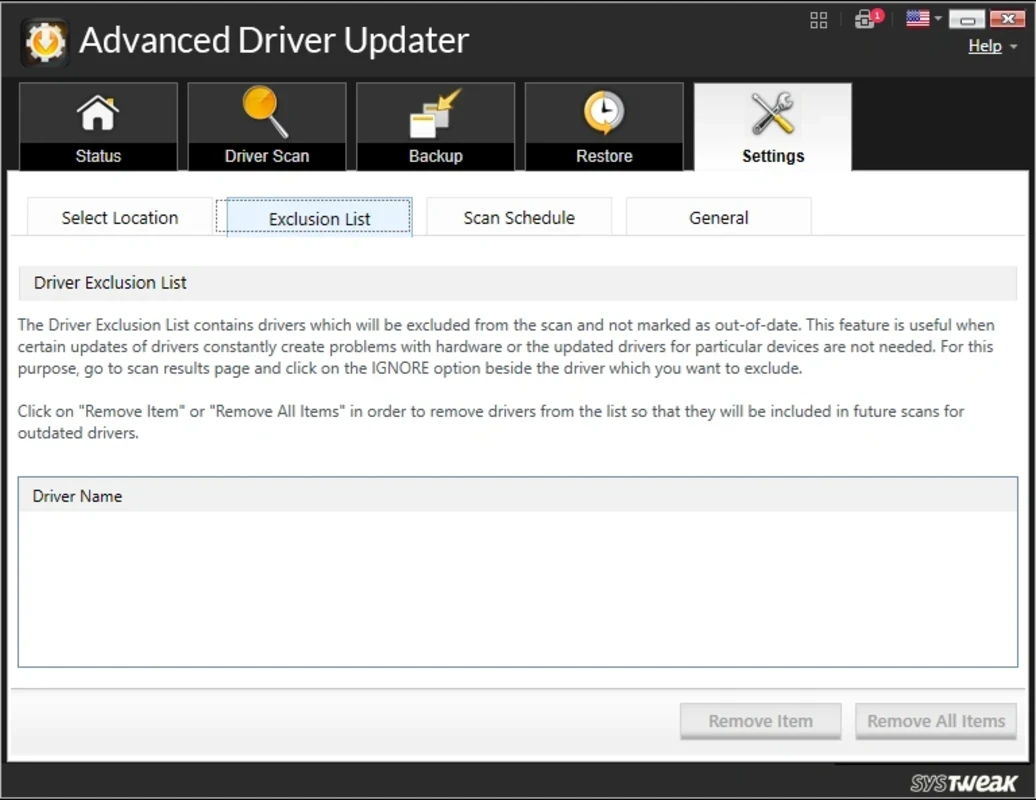
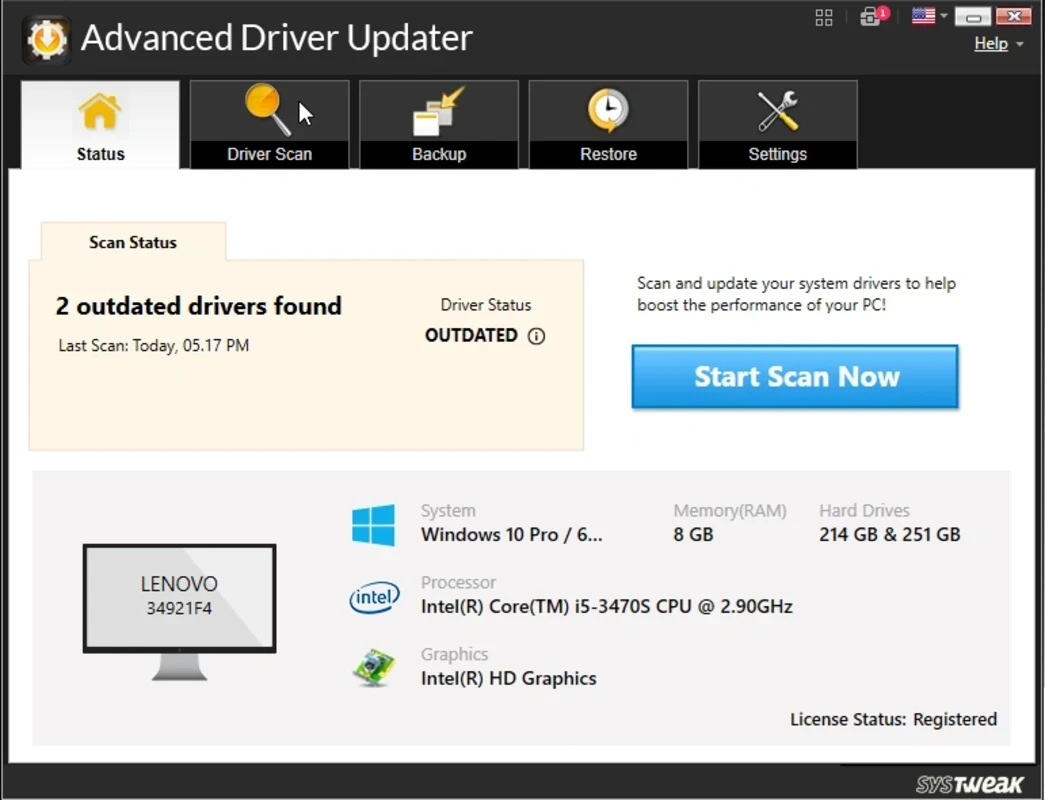
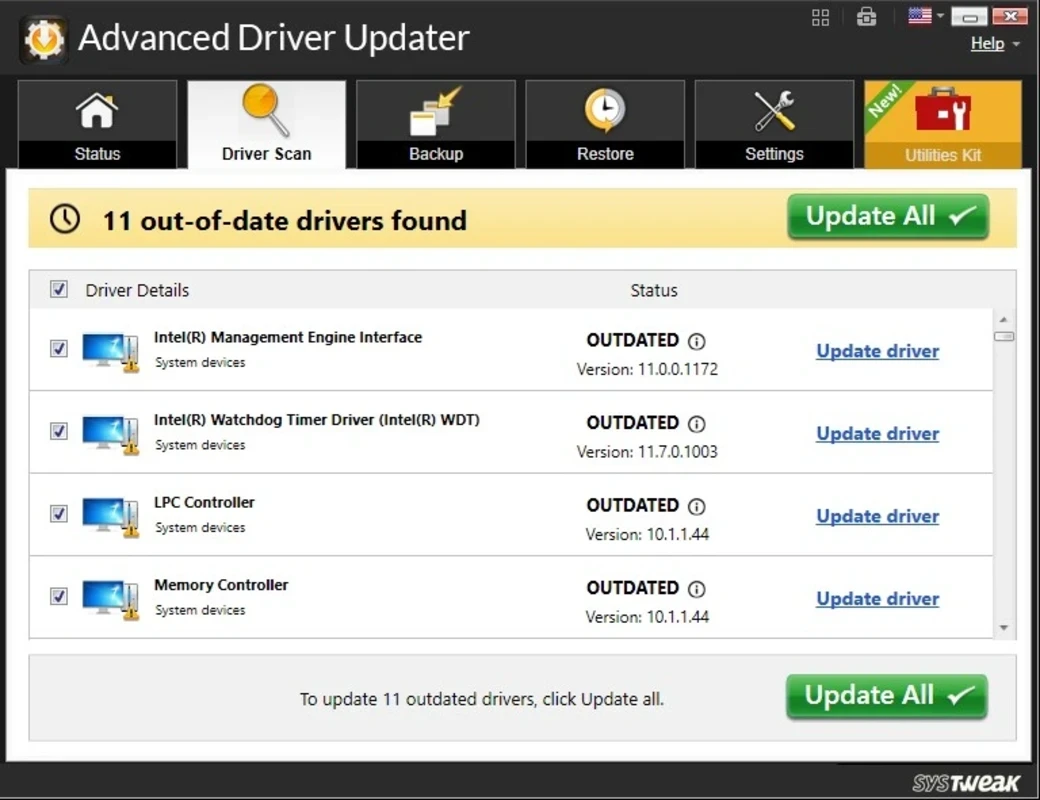
Advanced Driver Updater 4.6.1086.7222 is a Windows program from Systweak Software that scans your PC for outdated or missing device drivers and helps update them from a single window. It is meant for people who do not want to look up each component on manufacturers' websites. You can download Advanced Driver Updater for Windows from Systweak's official site.
| Item | Details |
|---|---|
| Version | 4.6.1086.7222 |
| Developer | Systweak Software |
| Platform | Windows |
| Licence | free to download; see the vendor for full-version terms |
| Size | about 12.27 MB according to catalogue data |
| Download | systweak.com |
A driver is the small piece of software that lets Windows talk to a device: the graphics card, the network adapter, the printer, the sound chip. Manufacturers release new drivers to fix bugs, improve performance or add support for newer Windows versions. Advanced Driver Updater identifies the hardware in your PC, compares the installed driver versions with its database and lists the ones it considers out of date. From there you can update them one by one or in a batch. Keeping a backup of current drivers before updating means you can return to them if a new one causes trouble. Utilities of this type are handy on older PCs where nobody has updated drivers for years. They are also a matter of judgement: a newer driver is not always a better one, and for laptops the version tested by the laptop maker is often the most stable. Graphics drivers are best taken directly from the chip maker.
It is most useful for people who look after an older family PC or a small office machine and do not know which components are inside. Enthusiasts who already follow driver releases for their hardware will gain little from it.
The program is free to download and scan with. Check on the official product page which functions require a paid licence and what the renewal terms are before buying. Scan results that sound alarming, such as long lists of "outdated" drivers, are not a reason to panic; many old drivers work perfectly well.
Similar tools in our listings are Driver Easy, DriverMax and DriverPack Solution. For Bluetooth adapters only, there is Bluetooth Driver Installer, and NVIDIA Control Panel goes with NVIDIA's own graphics driver.
ReiBoot is a Tenorshare utility for Windows that puts an iPhone or iPad into or out of recovery mode and repairs common iOS system problems.
DirectX 9.0c is an older version of Microsoft's multimedia and graphics APIs that many classic Windows games still need to run.
DirectX 10 is a version of Microsoft's multimedia and graphics API that comes with Windows; older games may also need the DirectX End-User Runtime.

3uTools is a free Windows program for managing an iPhone or iPad from a PC, including files and device information.

Huawei HiSuite is Huawei's official PC suite for Windows and macOS for backing up, managing and updating Huawei phones and tablets.
DirectX 11 is a version of Microsoft's collection of multimedia and graphics APIs that Windows games and apps use to work with the graphics card and sound.
DirectX 12 is Microsoft's graphics and multimedia API for Windows. It is part of the system and updated through Windows Update and graphics drivers.

DriverPack Solution is a free Windows tool by Artur Kuzyakov that detects missing or outdated drivers and installs them from its own driver collection.